Sign PDF Documents Directly in Your Browser
Draw, type, or upload your signature and place it anywhere on a PDF — in seconds, entirely locally. Your document never touches a server.
Free & full-featured · No uploads · Works offline
SIGNATURES
Three ways to sign any PDF
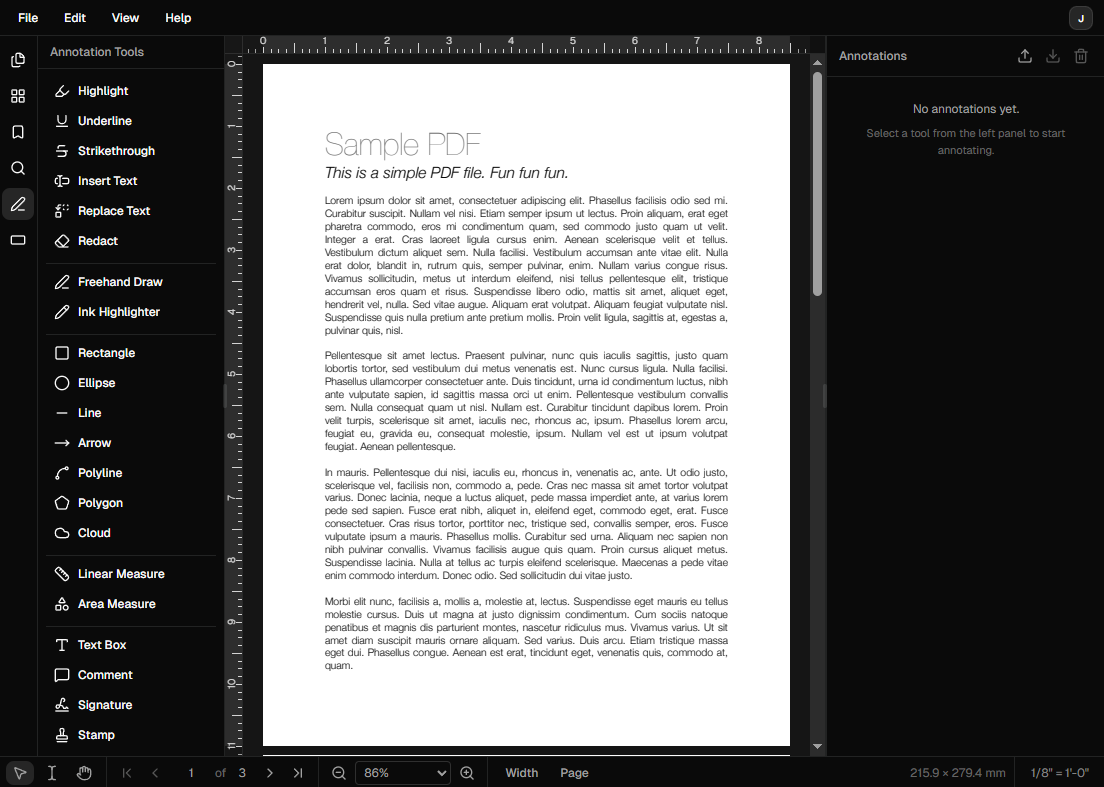
Whether you prefer to draw freehand, type your name, or use a saved signature, DraftPDF has you covered.
Draw your signature: Use your mouse, trackpad, or touchscreen to draw a freehand signature directly on the PDF page.
Type your name: Choose a handwriting-style font and type your signature — ideal when you need something clean and consistent.
Saved signatures: DraftPDF remembers your signatures so you can reuse them across documents without redrawing each time.
Frequently Asked Questions
Everything you need to know before you get started.
How do I add a signature to a PDF?
Step-by-step guide
Open your PDF in DraftPDF and click the Signature tool in the left toolbar. Draw, type, or select a saved signature, then click to place it anywhere on the page. Drag to reposition it, resize as needed, and save the file.
Is my signature kept private?
Privacy & security
Yes. All signature processing happens locally inside your browser using WebAssembly. Your document and signature image are never uploaded to a server.
Is a DraftPDF signature legally binding?
Legal validity
DraftPDF places an ink-style annotation signature, which is appropriate for many internal workflows and document reviews. For legally binding e-signatures with audit trails (such as contracts requiring compliance with eIDAS or ESIGN), you should use a dedicated e-signature platform like DocuSign.
Can I reuse a signature across multiple documents?
Saved signatures
Yes. DraftPDF saves your signatures locally so you can select them from the signature panel for any subsequent document without redrawing.
Ready to get started?
Open DraftPDF in your browser — no account, no install, no data ever leaves your device.
Free & full-featured · Works offline · No sign-up required
Related Tools
Merge PDFs
Open multiple PDF files and combine them into one document in seconds. Free, browser-based PDF merger — no uploads, no installs.
➕Insert Pages
Add pages from another PDF or insert blank pages anywhere in your document. Free, browser-based, no uploads required.
✂️Delete Pages
Remove unwanted pages from any PDF document instantly. Browser-based, no uploads, no installs.
🔖PDF Bookmarks
Create, edit, and organise PDF bookmarks (outlines) to make navigation effortless. Free, browser-based.